I Built a Podcast Generator App: From Topic to Script (and Spin-Off Episodes) in Minutes
I Built a Podcast Generator App: From Topic to Script (and Spin-Off Episodes) in Minutes
I wanted a faster way to go from an idea to a listenable podcast—without opening a doc, outlining, rewriting, then hunting for a voice.
So I built a podcast generator app that takes a topic, asks how long you want the episode to be, generates the full script, and lets you listen immediately. The best part: you can highlight any section of the generated script and turn it into a brand-new episode in one click.
Below is the full flow, step by step.
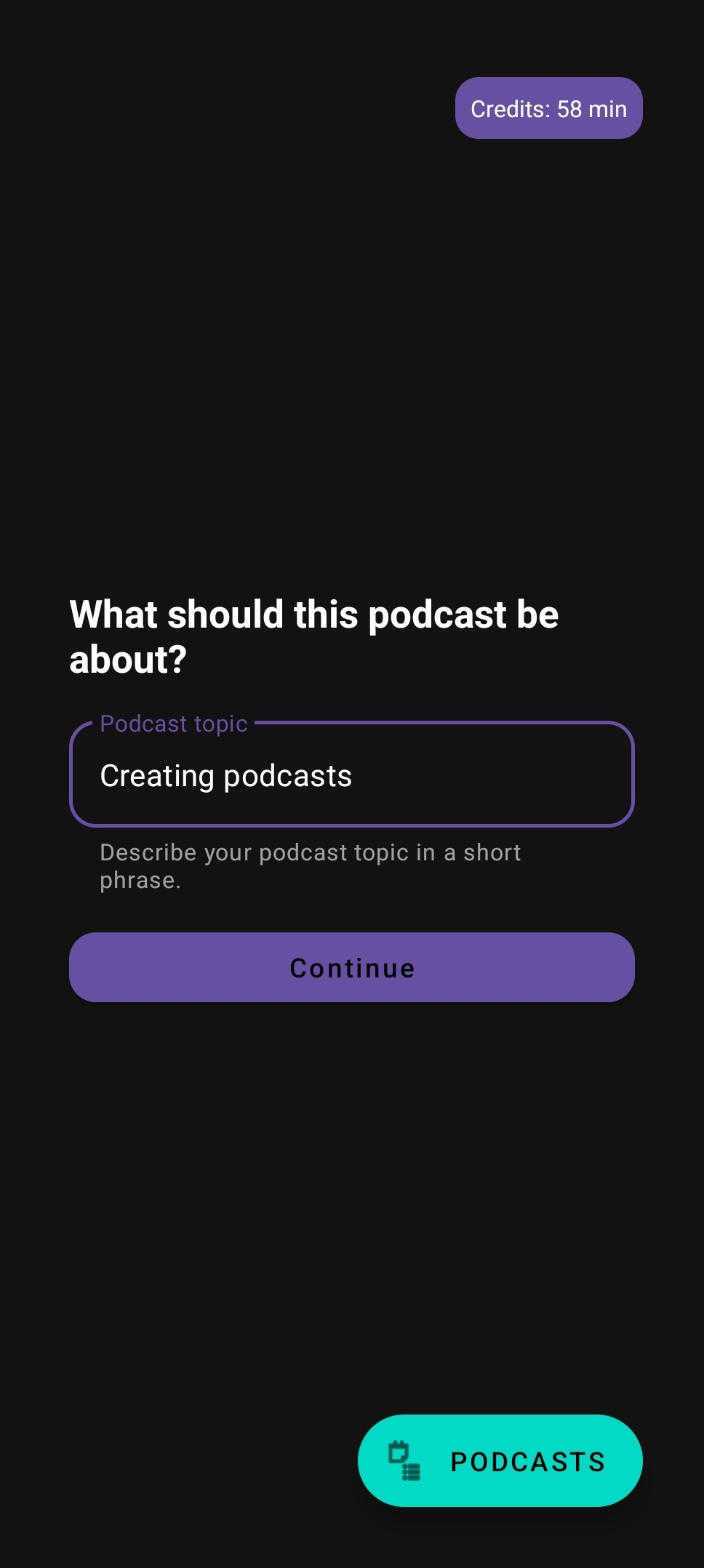
1) Start with a topic
The first screen is intentionally simple: just describe what you want the podcast to be about.
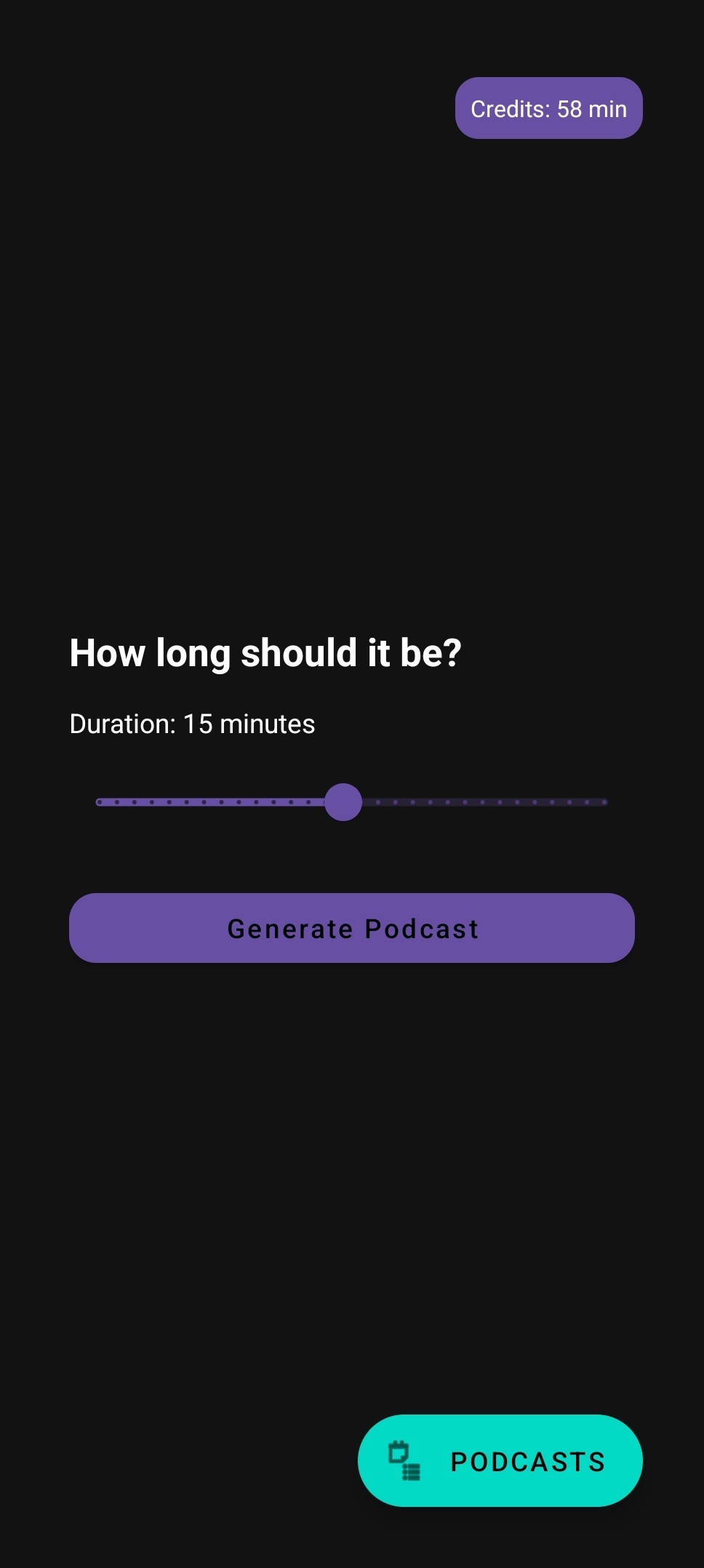
2) Choose the length
Next, pick the runtime. This drives how detailed the generated outline and script will be.
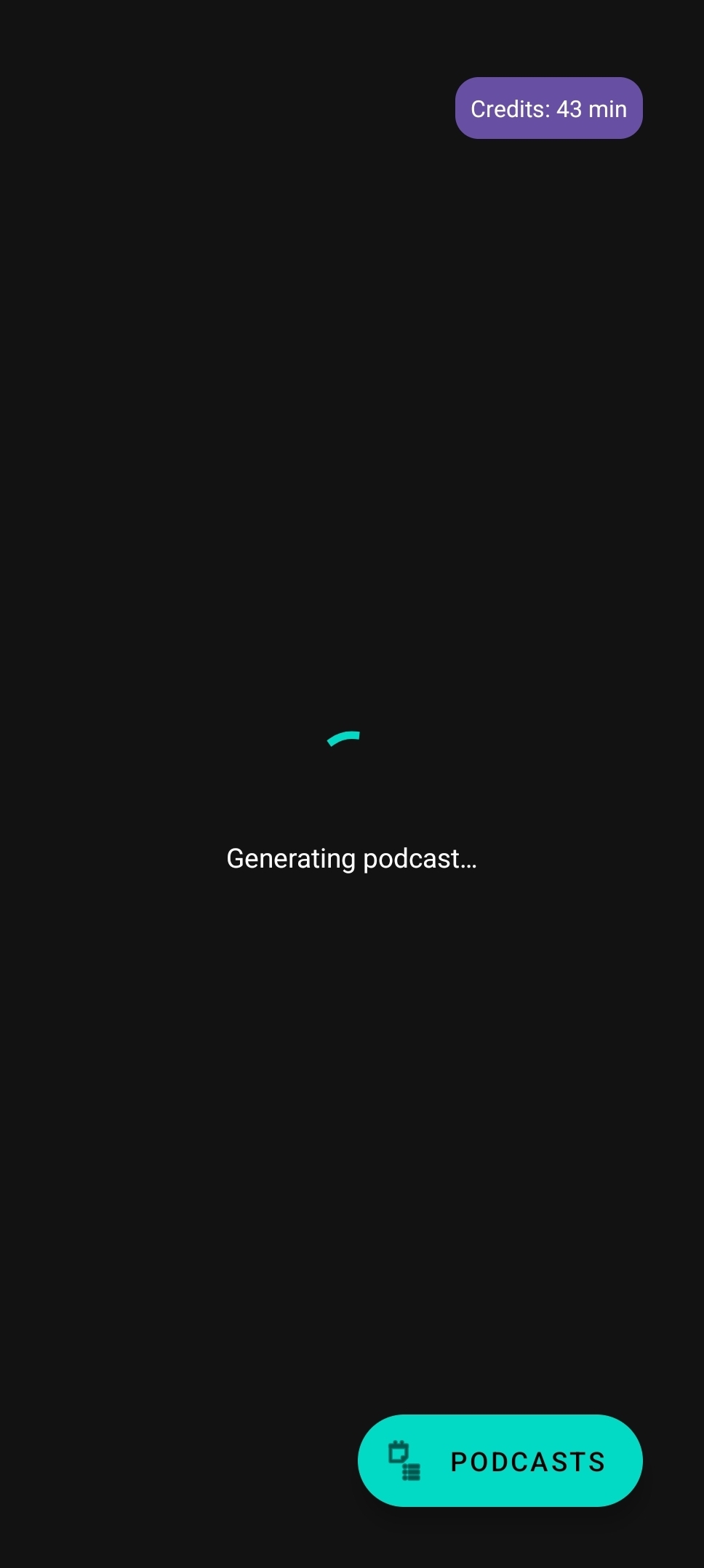
3) Generate the episode
Once you hit generate, the app composes the full script.
4) Read the script and listen back
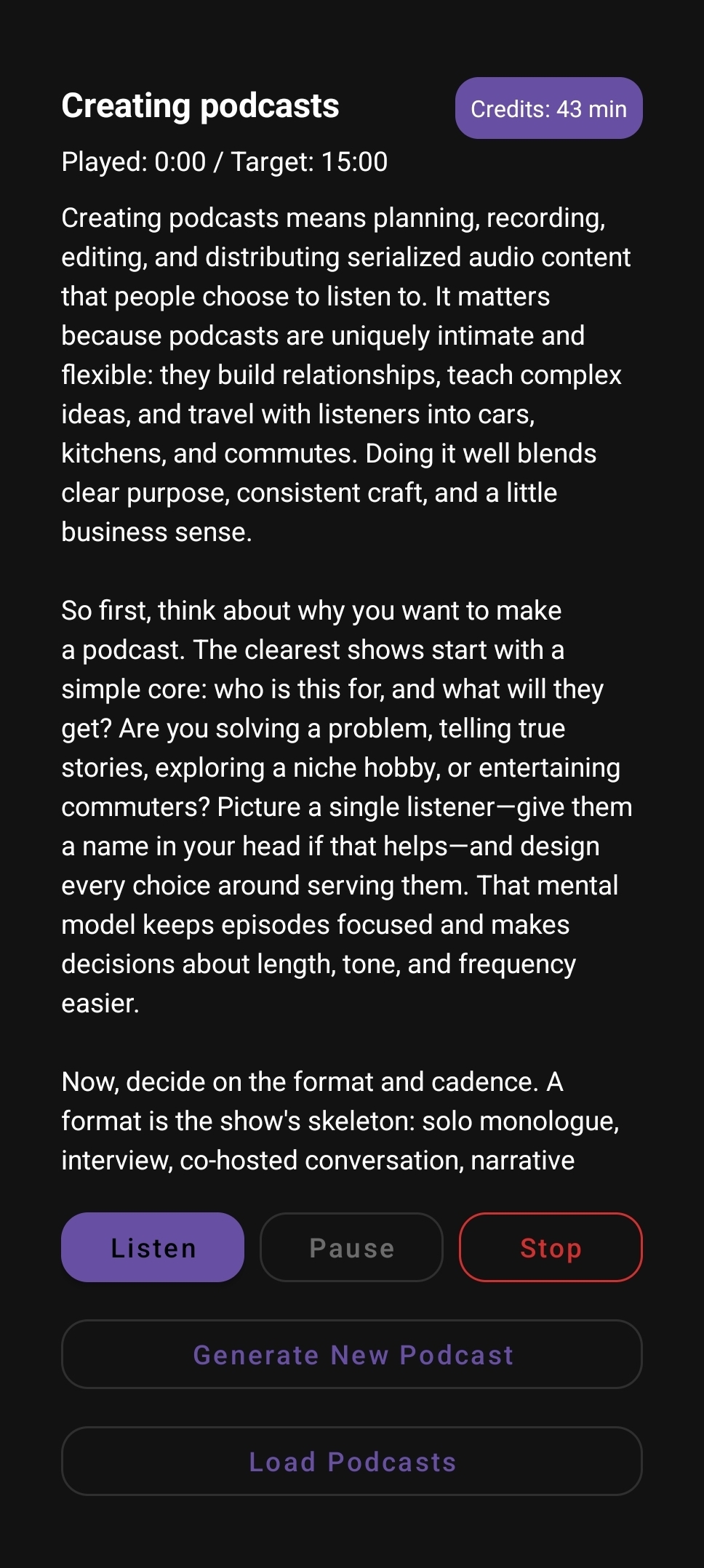
When generation finishes, you get the complete podcast script plus playback controls (listen, pause, stop) so you can hear it immediately.
5) Highlight a subtopic to create a spin-off episode
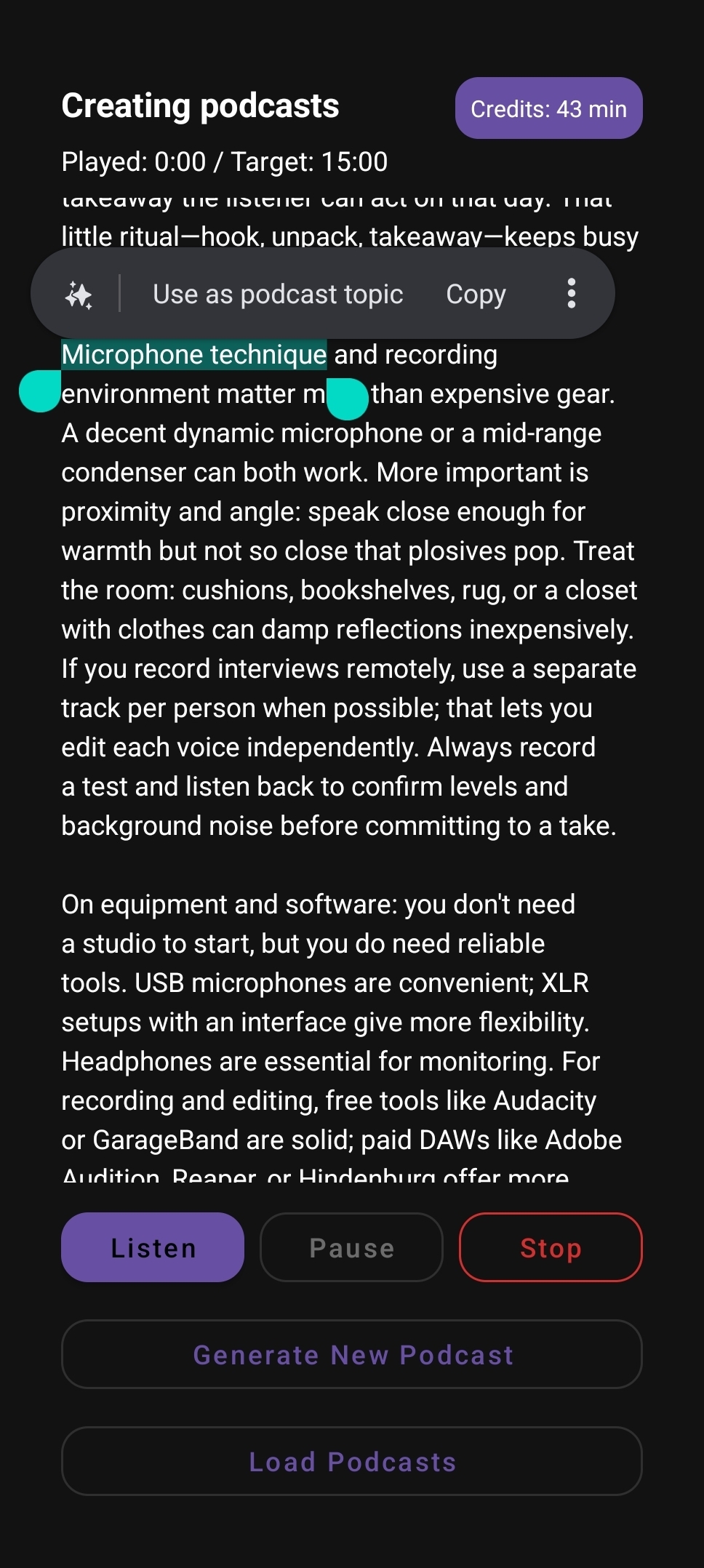
This is where it gets fun: select any text in the script and generate a new episode focused on that specific subtopic.
What's next
I’m continuing to tighten the writing quality, improve pacing, and make the “spin-off episode” loop feel instant—so you can start broad, then drill down into whatever your audience cares about most.
Podcast Generator AI is now available! Download it on Google Play
If you try it, tell me what you’d want next: better voices, music beds, multi-speaker format, or something else entirely.